Home / Residential
One home, organised by rooms, scenes and schedules.
Flagship pilot
Prototype demo experience — sample data only. "Open customer demo" opens the sample home, not a sign-in.
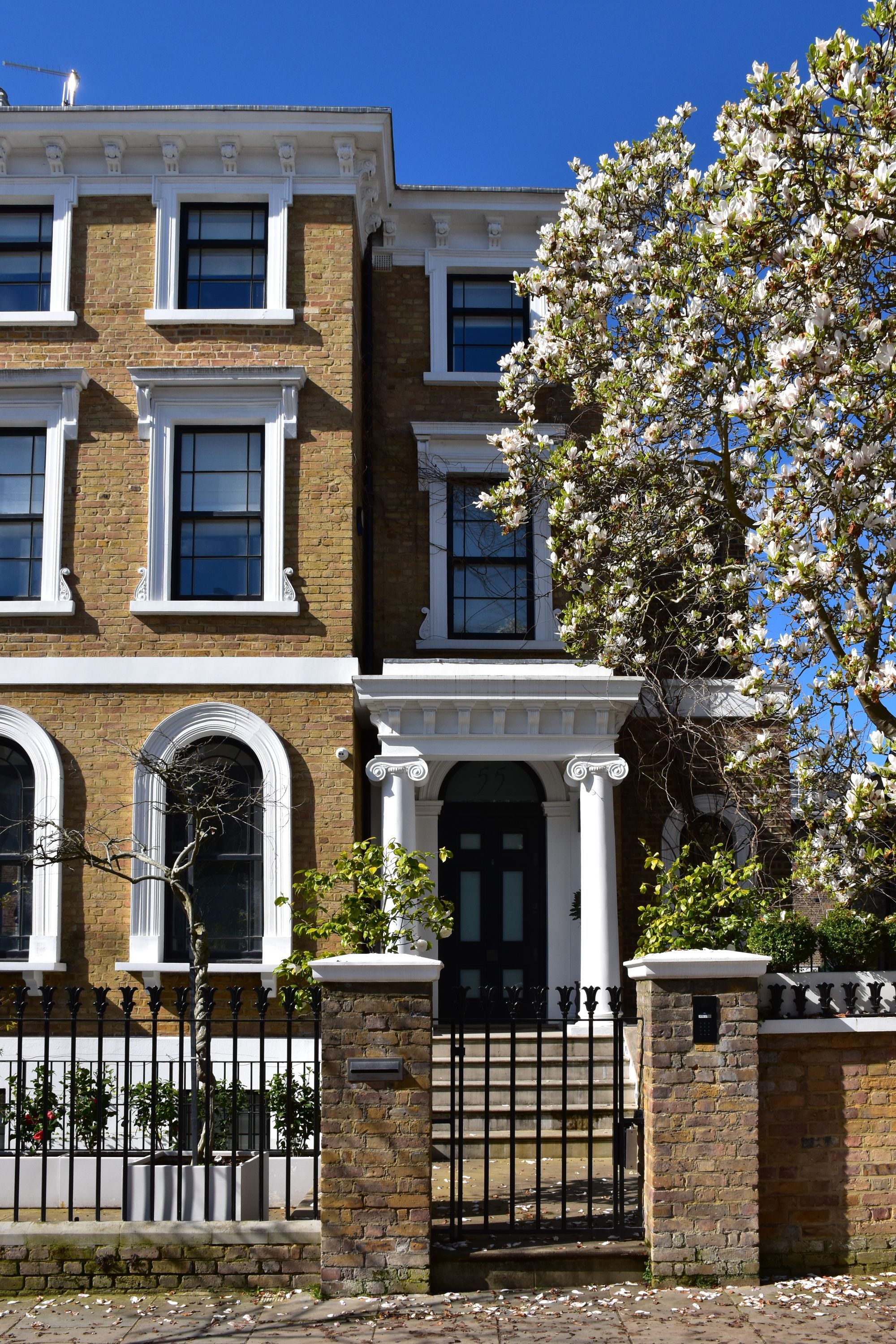
 Pilot media slot · UK fallback
WRK Smart brings the systems you already use into one simple platform — at home, across property or throughout a building.
WRK Smart does not replace all your smart systems. It connects the systems you already use and gives you one simple place to control them — the same platform and controller scales from a single home to property portfolios and commercial buildings.
Security
Armed · Home
Heating
20.5 °C
Lighting
4 rooms on
Blinds
Half open
Energy
2.1 kW solar
Audio
Kitchen playing
Compatibility wording only. Brand names belong to their owners; no partnership, reseller or endorsement is implied.
Scope
WRK Smart for homes, property and buildings — the same controller and platform, scaled to the space.
One home, organised by rooms, scenes and schedules.
Flagship pilot
Apartments, developments and managed properties as sites and zones.
Configurable · coming next
Commercial, hospitality and leisure spaces with operating hours and after-hours automation.
Configurable · coming next
The demonstrations on this page use a residential pilot property. Property and building deployments use the same platform with site and zone naming.
Your home. Connected.
Eight everyday outcomes. Tap one to see exactly what WRK Smart does about it.
Control it your way
WRK Smart does not make you learn a new habit. Hardware surfaces are supported where they are installed — WRK does not manufacture keypads or remotes.
App
Phone and tablet, at home or away.
Voice
Alexa today. Other assistants under review.
Wall panel
Supported where installed.
Keypad or button
Supported where installed.
Automatic
Schedules, sunset and presence.
Scenes and schedules
Not an advanced feature buried three menus deep. They sit in the main navigation, next to Home and Rooms.
Scenes
Schedules
Pick a scene, pick a time or a sun event, pick the days. That is the whole thing.
Setup
WRK Smart finds compatible systems, guides the connections and brings them together behind one simple home experience.
Step 1
Connect controller
The WRK Smart Controller goes in, and stays in, your home.
Step 2
Discover
It looks for compatible systems already on your network, with your permission.
Step 3
Review & connect
You choose what to connect. Sign-in stays on the vendor's own page.
Step 4
Home ready
Rooms, scenes and one simple home experience.
Discovery, in plain language
Simulated network discoveryThe controller looks — never your browser. Nothing is connected until you say so.
Compatibility descriptions only. Brand names are the property of their owners and imply no partnership or endorsement.
What it does
Each part of the house keeps the equipment that suits it — WRK Smart is the layer that makes them work together.
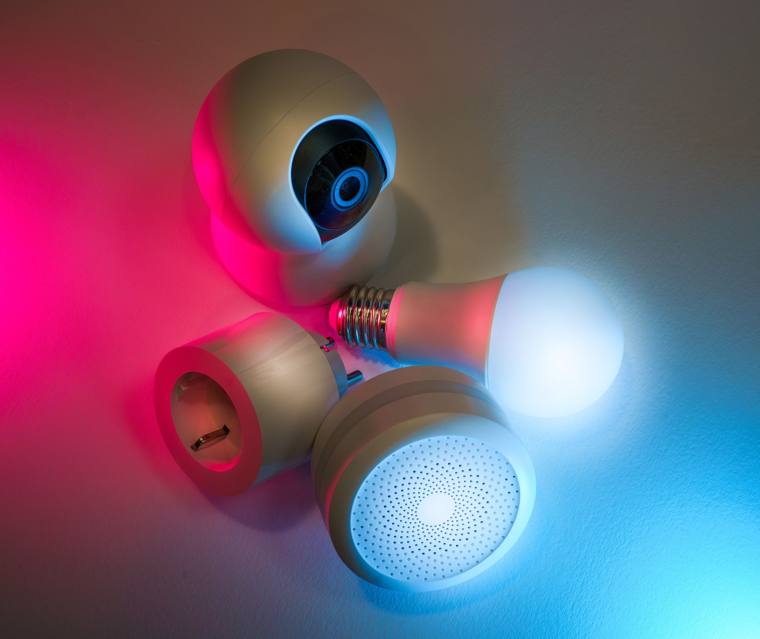
Arm, disarm and check the house from one place.
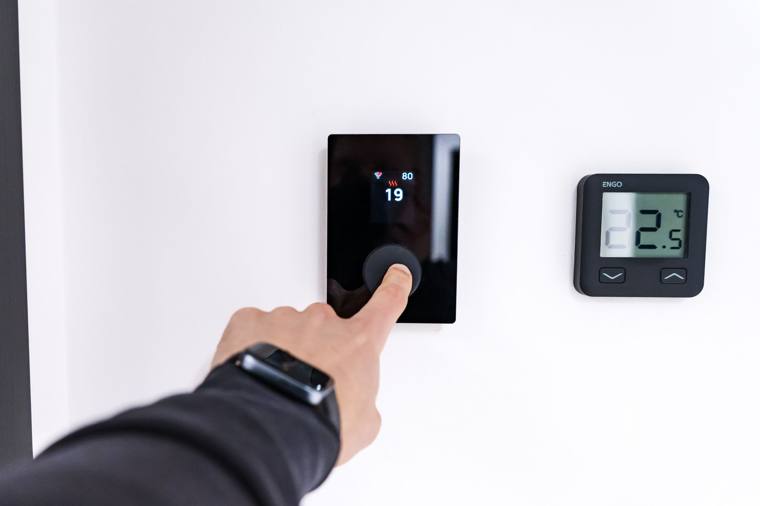
Room-by-room warmth on a schedule that suits you.
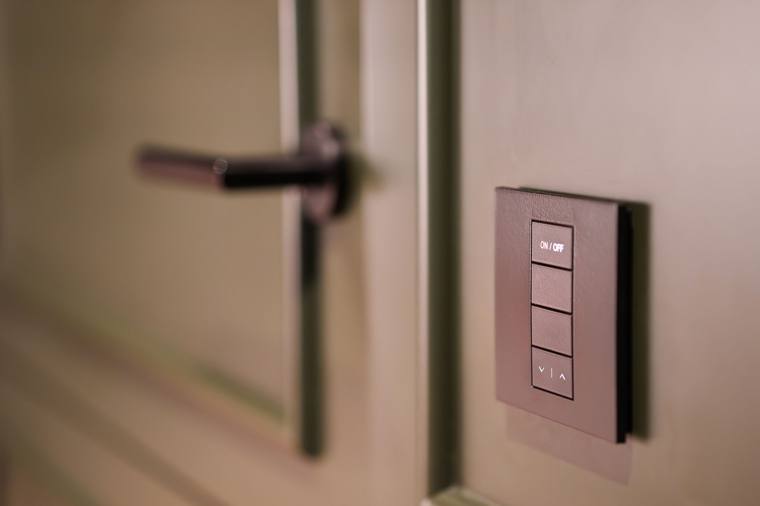
Keypads, lamps and scenes behave as one.
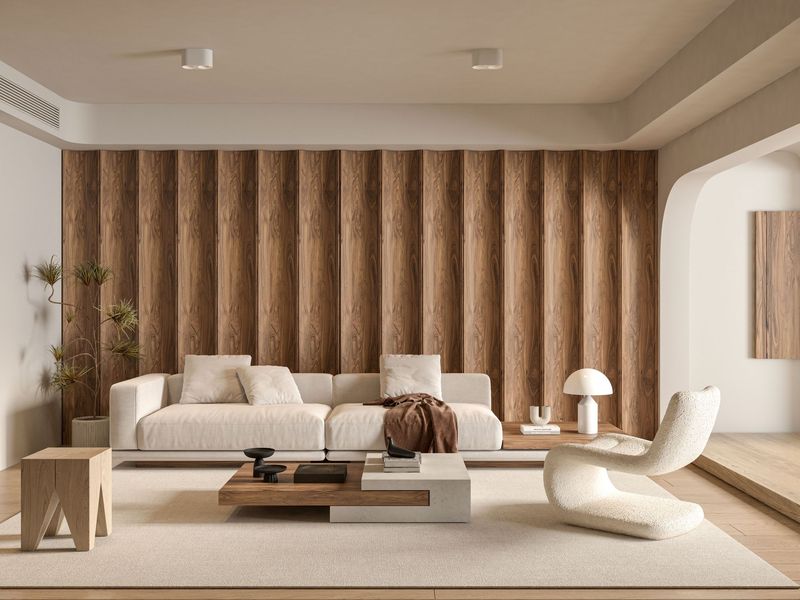
Light and privacy that follow the day.
See what you generate, use and send back.
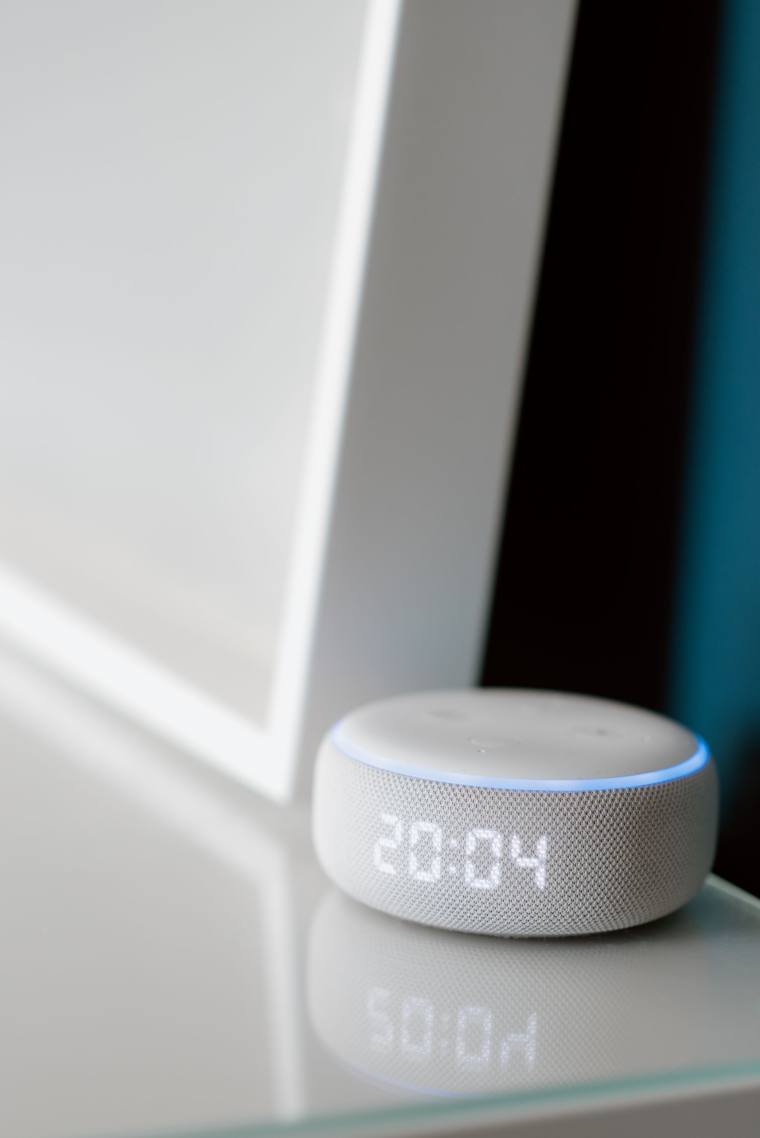
Ask for a scene, or let the room set itself.
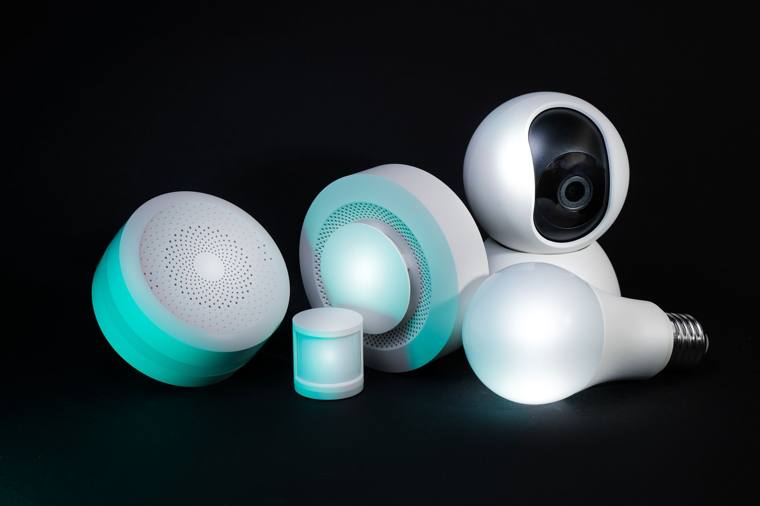
The home network WRK Smart depends on, watched properly.
The WRK Smart pilot
WRK Smart is being shaped around a real multi-system UK property, so it solves genuine integration problems rather than demo ones.
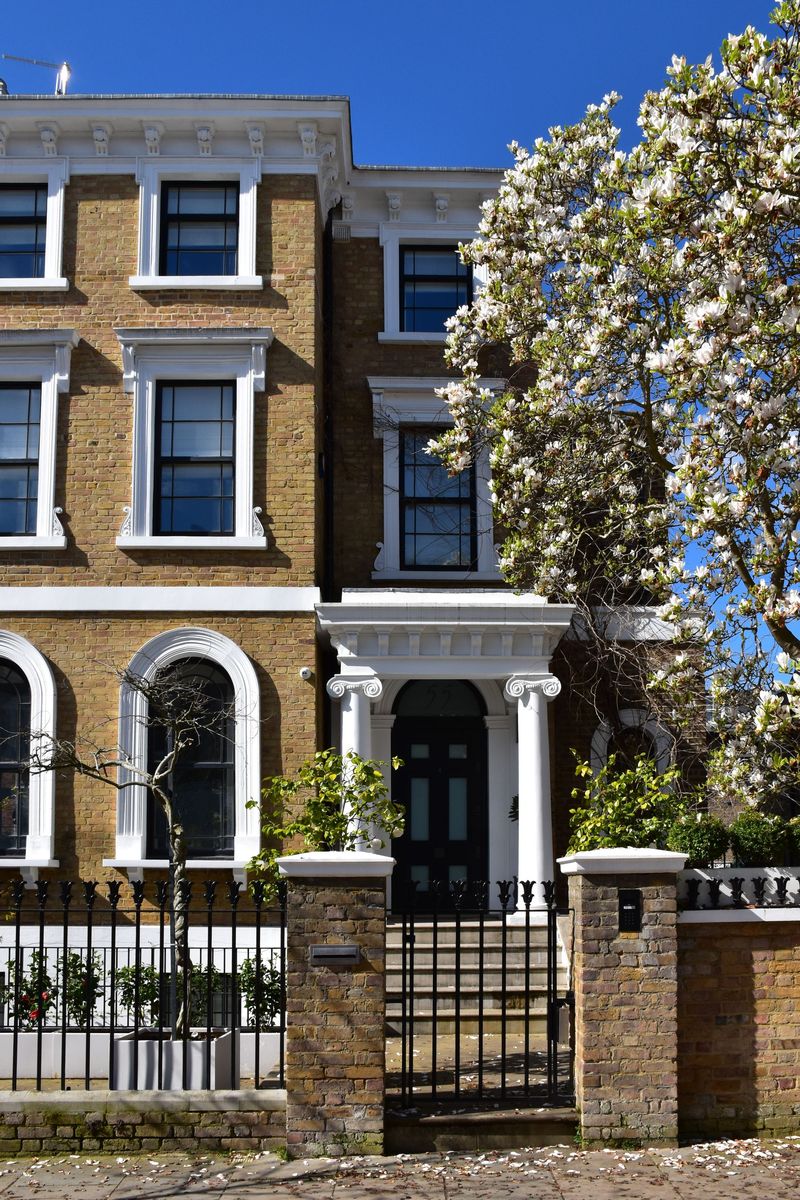
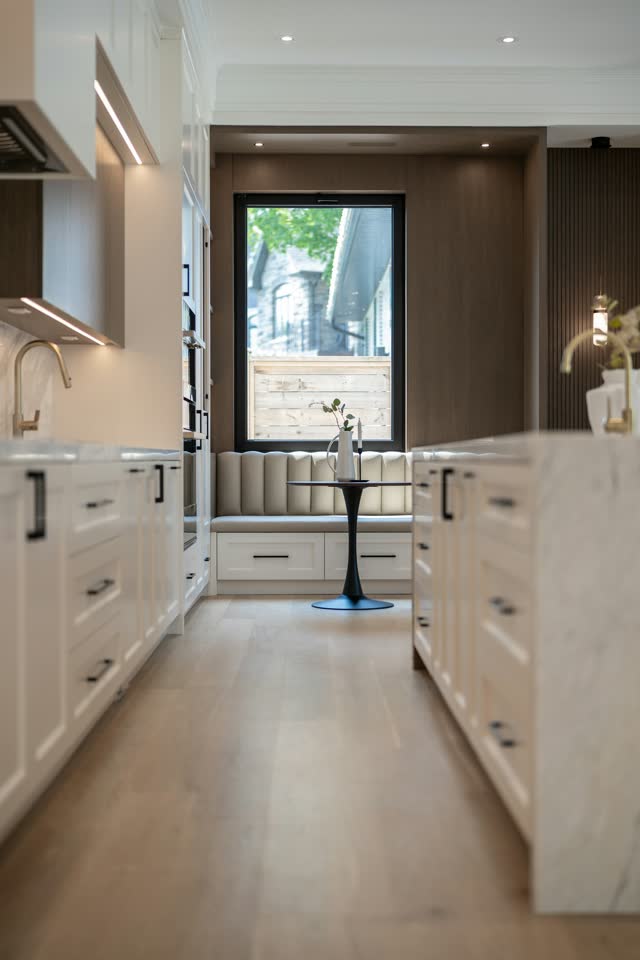
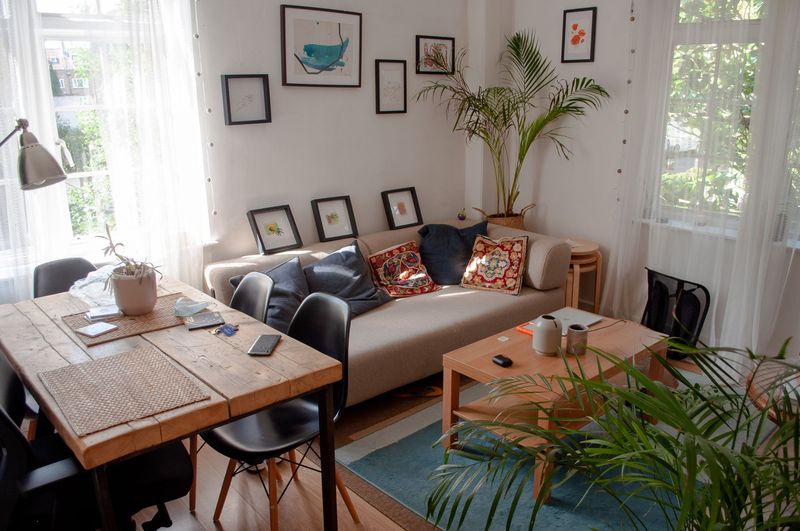
Connected systems in the pilot property, integrated through WRK Smart. Brand names are used descriptively — no partnership, reseller or accreditation is claimed.
Demo theatre
Pick a topic. Everything runs in the app — nothing streams from a third party.
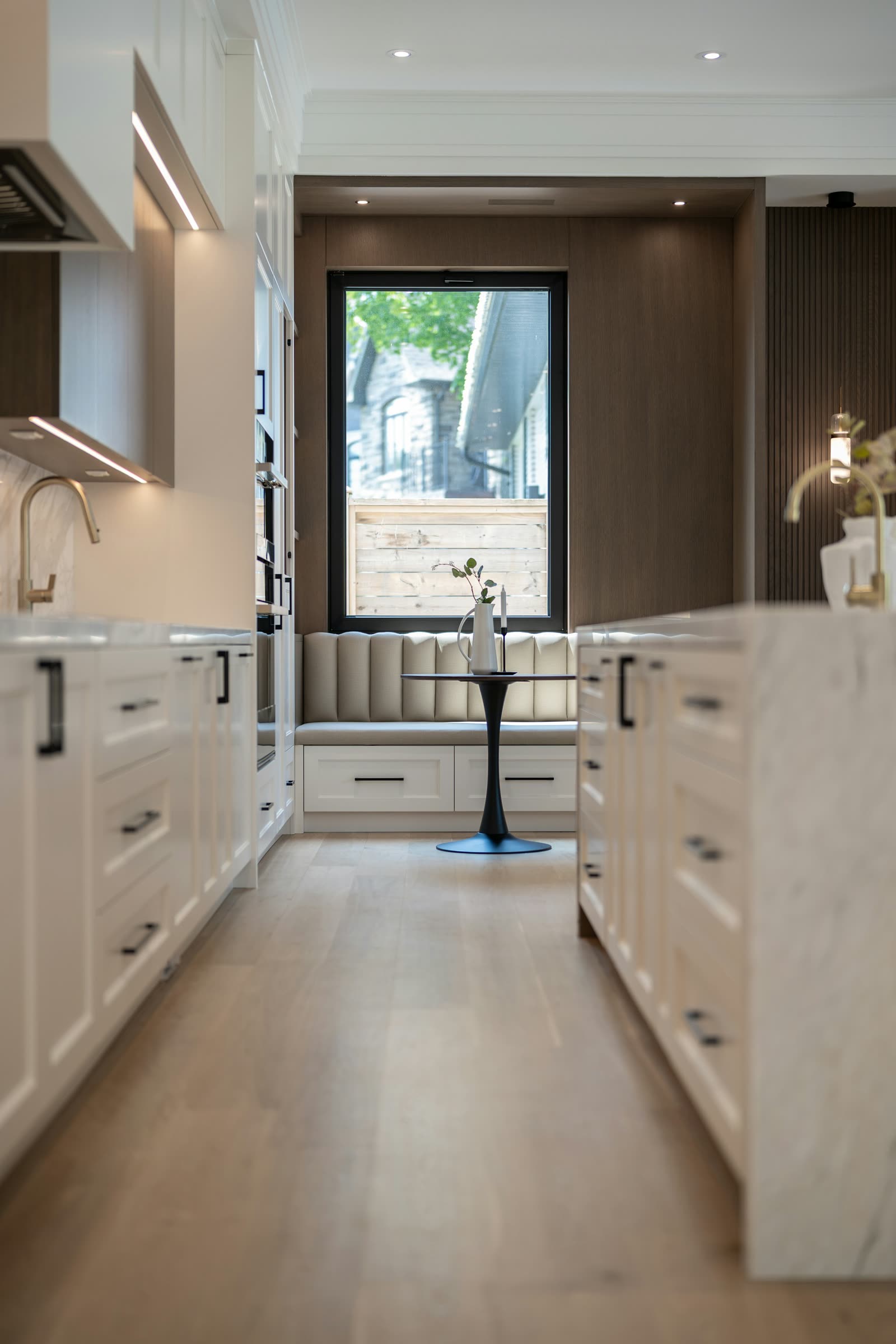
Pilot Home
A real UK home, running real systems
The pilot property WRK Smart is being shaped around, and the systems it already runs.
The problem
One organised surface instead of a pile of vendor accounts.
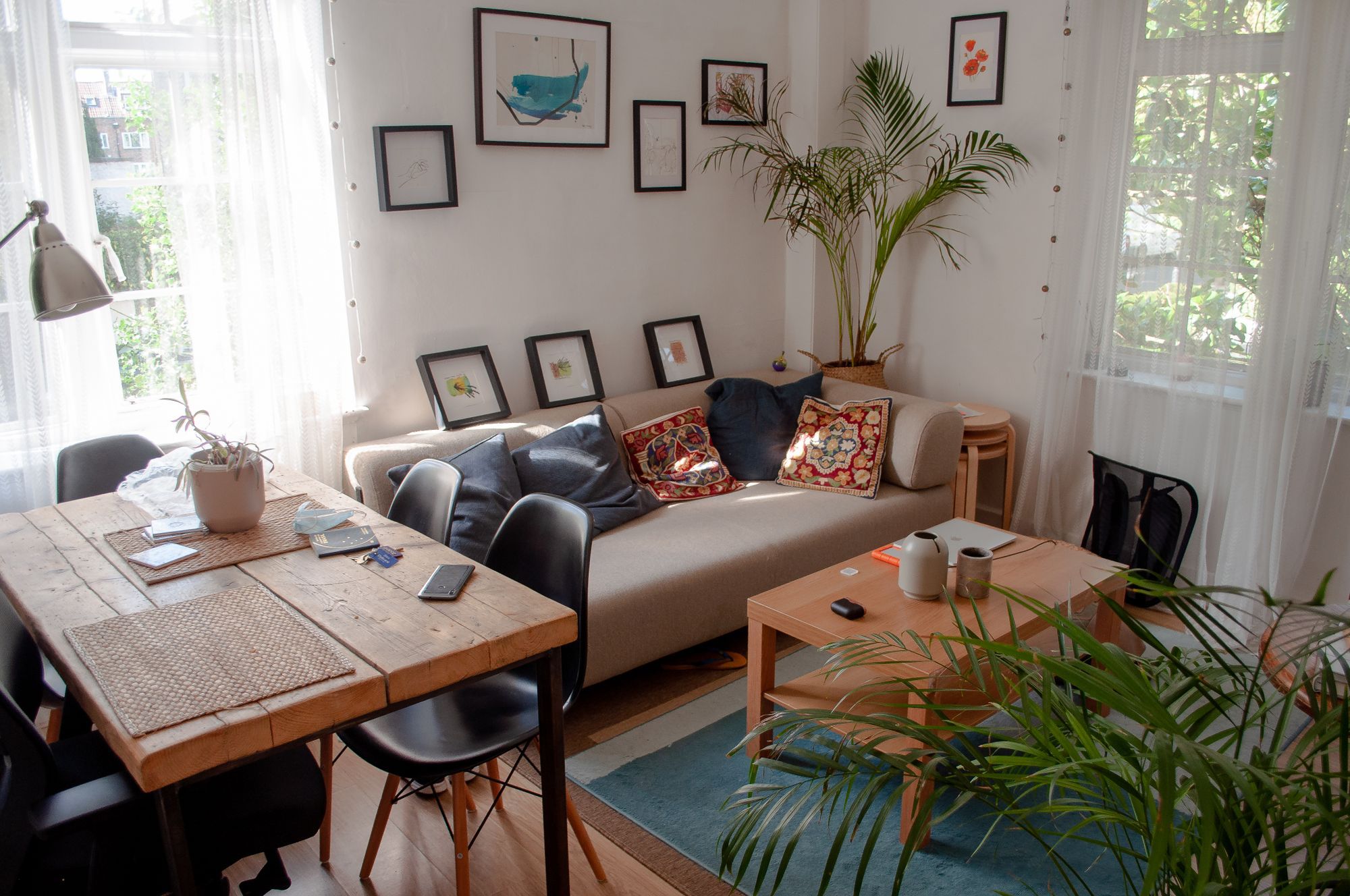
Before — scattered apps
After — one WRK Smart surface
Cameras & security
WRK Smart works with Hikvision / Hik-Connect cameras and NVRs, alongside the alarm, doorbell and access systems you already have.
Entrance · CH01 · source: Hikvision NVR channel
Camera tiles and event history sit next to lighting, climate and energy. Viewing a camera is separate from alarm control — arming, disarming, locks, gates and the garage always ask for explicit confirmation first.
Current WRK support status: Verified Local · Local. WRK Smart integrates with Hikvision equipment; this is not a partnership, accreditation or endorsement.
Try WRK Smart
Organised by floor and room, not by manufacturer.
Sample property — your rooms are captured on survey.
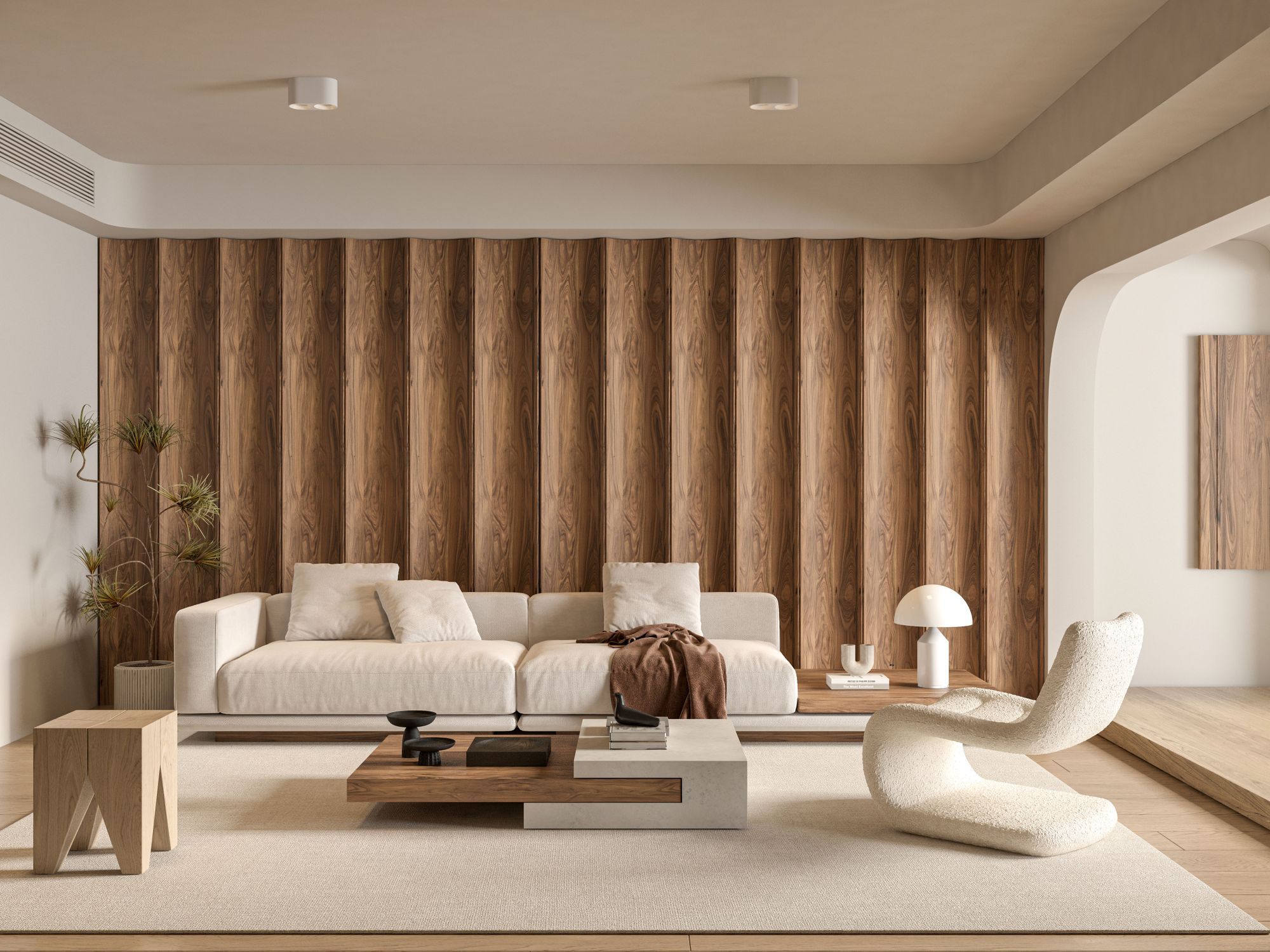
Ground floor
21.5°C
45%
70%
Present
Room scenes
Scenes
Pick a moment — WRK shows every step before it runs.
Pick a scene above and WRK plays through the steps it would run. Nothing is sent to hardware.
Inspiration
Four everyday moments, run by the system.
Automation
Plain-English IF / AND / THEN rules, running locally.
Nobody is home
It is after sunset
Turn on selected lights at 25%
Occupancy simulation without a schedule that looks fake.
Patio door open for 5 minutes
Heating is active in that zone
Notify the household and pause the zone
Stops heat being thrown away on a mild afternoon.
Solar export above 2.0 kW
Battery above 80%
Run an eligible flexible load (EV, hot water)
Uses your own generation before exporting it cheaply.
Energy intelligence
Solar, home, battery, grid and EV as one flow.
3.2 kW
Generating
1.4 kW
Using
74%
Charging 1.1 kW
0.0 kW
No import
0.7 kW
Trickle charging
100%
All solar used at home
Solar is covering the house, surplus is charging the battery, nothing imported.
Shifting the EV to 13:00–16:00 would use your own solar instead of evening import.
Sample off-peak window 00:30–04:30 — WRK can charge into it and still be ready by your time.
Open EnergyIntegrations
Grouped by what they do, with an honest support status.
Lutron · Local
Keypads, dimmers and load controllers discovered on the LAN through the WRK Smart Controller.
Tuya · Hybrid
Plugs, lamps and sensors. Local keys preferred to reduce cloud dependency.
LampSmart · Bridge required
Bluetooth mesh lighting reached through a controller-side BLE bridge.
Signify · Local
Hue Bridge lighting, discovered locally.
Allterco · Local
Retrofit relays and energy metering on the LAN.
Unverified models are marked for verification on survey.
Discovery
Found systems → 48 devices → rooms → ready.
A scripted animation — no network is scanned.
Build your system
One design WRK can quote, install and support.
Property type
Residential or commercial, size, floors and zones.
What WRK manages
Lighting, climate, security, cameras, blinds, energy, media, network.
What you already have
Keep, replace or verify each existing system on survey.
Good / Better / Best / Custom
Coverage, hardware tier, managed features and expandability.
Delivered as one package
Hardware, installation, commissioning, project management and WRK licence/support.
Any figures shown are indicative demo values for illustration only and are not a quotation.
Full service
One accountable team, from survey to ongoing care.
Designed, installed, documented
Eight stages, evidence at every one.
Design
Outcomes, rooms and systems captured as one versioned design.Survey
On-site verification of existing kit, routes and constraints.Supply
Hardware procured against the approved bill of materials.Install
First fix, cabling, containment, rack and device mounting.Configure
Controller, network, integrations, rooms and naming.Commission
Scenes, automations and acceptance tests with evidence.Train
Handover walkthrough for everyone who uses the home.Support
Health monitoring, backups, updates and managed help.Engineering
You never have to look at this — it is why a WRK system keeps working.
Floor plan
Rooms, zones and device positions
Controller
Reserved address, backups, updates
Network cabinet
Rack layout, patching, power
Cable schedule
Every run labelled and tested
Conceptual illustration — schedules are produced from your approved design.
The design you approve is the same record the engineers build from.
WRK Smart Controller
Scenes, schedules and automations run on a controller inside the property.
WRK Smart App
Phone, tablet, wall panel
WRK Smart Controller
In your property
Your systems
Lighting, climate, cameras…
Secondary — WRK cloud
Remote access, updates, backups and support — outbound only.
Local scenes and schedules
Run on the controller, not in a data centre.
Local communication where supported
Vendor cloud used only where a system offers no local path.
Secure remote bridge
Outbound only — no inbound ports opened on your router by default.
Integration health
WRK sees when a system stops reporting, often before you do.
Backups and managed updates
Configuration protected and updates applied in tested rings.
Essential local operation keeps working
Internet down? Local scenes, schedules and automations keep running.
Upgrade my home
Suggestions based on how the system actually performs.
Why: Outdoor coverage drops below usable signal past the patio.
Outcome: Reliable cameras, speakers and controls outside.
Why: Bedrooms share one schedule with the whole first floor.
Outcome: Per-room comfort and lower overnight waste.
Why: Export is high while flexible loads run at peak tariff.
Outcome: More of your own generation used at home.
Why: Doorbell and lock are managed in separate vendor apps.
Outcome: One confirmed, audited entry experience.
Any figures shown are indicative demo values for illustration only and are not a quotation.
Built for new homes. Works with existing homes.
Survey · controller · connections · commissioning. Then it is yours.
An existing home, lived in, decorated, and staying that way.
We work with what is already there. Most of the intelligence lands on the controller and the network, not in your walls.
Cabling, containment and capacity planned before the plaster.
Infrastructure first: structured cabling, PoE budget, rack position and zone map, so the house can grow later without a second first fix.
You already have smart kit. It just does not act like one system.
We keep what works, retire what does not, and bring the rest under one interface with one set of scenes.
Survey
We look at the property, the network and what you already own.
Controller
The WRK Smart Controller is installed in the property. It is the brain.
Connections
Your systems are connected to it — locally wherever the brand allows.
Commissioning
Rooms, scenes, schedules and tests, then a proper handover.
Compatibility
Search the brand you already use. We'll show the WRK route we know today — and say plainly when we need your exact model.
For professionals
Ways of working with JDNETWORKS on WRK Smart projects — homes, property and commercial buildings.
Repeatable packages, plot by plot.
Technology you specify, then stop seeing.
Sites, zones and operating hours.
Support that stays with the home
Essential local control never depends on a subscription. If our cloud went away tomorrow, your lights, heating, blinds and scenes would still work inside the property.
Software and security updates
Applied to the controller in maintenance windows, with a rollback point taken first.
Backups
Your rooms, scenes and schedules are backed up so a hardware swap is an afternoon, not a rebuild.
Controller health
We can see whether the controller is healthy and which integrations are unhappy.
Remote support, only if you allow it
Time-limited, permissioned and written to the audit log. Off by default.
Expansion and recommissioning
Add a room, a camera or a heating zone later and the design record is updated, not re-keyed.
Design your system online, or book a survey and let WRK handle the whole thing.